Android 8.0 and later
Claim Packet
Gather work expenses and receipts in one offline draft. Check for missing receipts and export a ZIP with a printable HTML summary, CSV, and the attached files.
Prepare a packet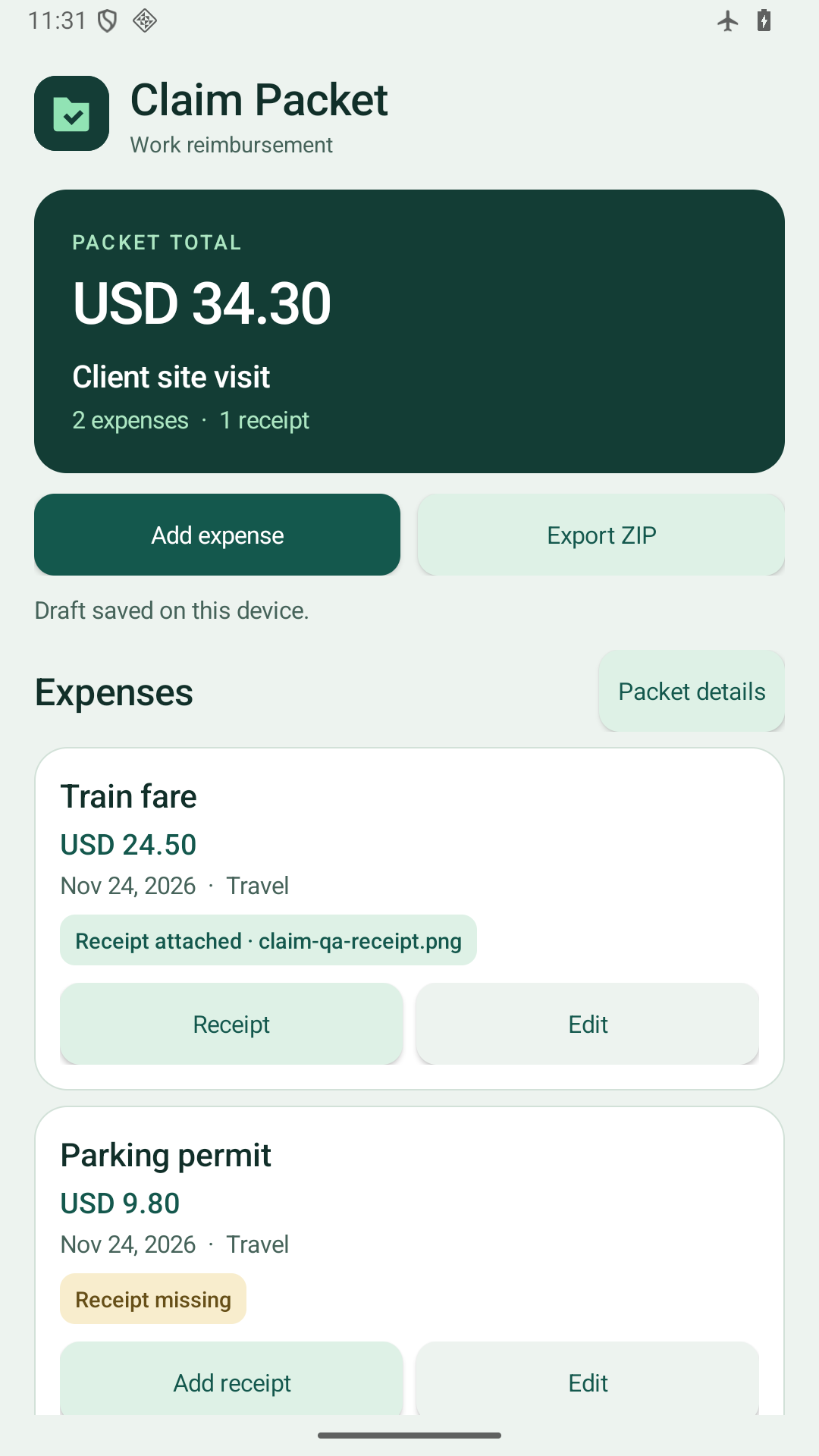
Prepare a reimbursement packet
Set up the draft
Open Packet details, choose a title and currency, then tap Add expense for each expense.
Attach receipts
Choose Add receipt beside an expense and select a JPEG, PNG, or PDF through Android. Review the list for any Receipt missing indicators.
Save the ZIP
Tap Export ZIP and choose where to save it. Extract the entire ZIP to one folder before opening the HTML summary so its receipt links work.
Common questions
How many expenses and receipts can I add?
One draft holds up to 60 expenses in a single currency. Each expense can have one receipt up to 12 MiB, with 48 MiB available for receipts across the draft.
How do I start a new packet?
Export and check the current ZIP first if you need to retain it. Open Packet details and select Clear packet to remove the draft and its receipt copies. Previously exported ZIP files stay in the locations you chose.
Where are ad settings?
Open Guide, then Ad privacy. Allow ads in the guide starts off. An optional banner can appear below the guide when enabled and permitted by your privacy choices.
Get support
Tell us your Android version, app version, and the step where you got stuck. Leave out private receipts, expense details, and reimbursement packets.